
Prisma Postgres
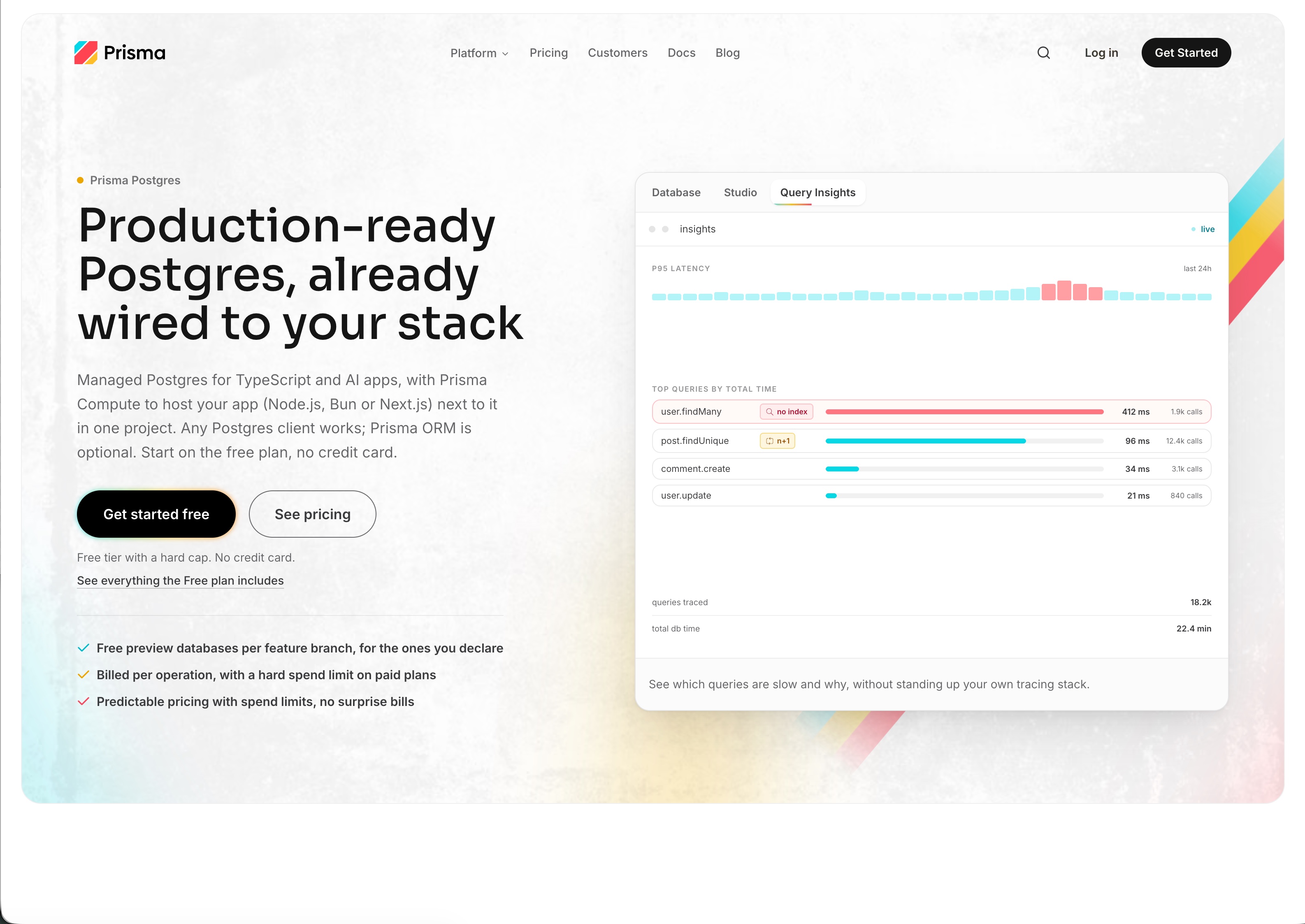
Managed Postgres for TypeScript apps and AI agents, with built-in connection pooling and a free plan.


What is Prisma Postgres?
Overview, core features, and developer capabilities
Prisma Postgres is managed Postgres that runs alongside Prisma Compute, so your database and your app live on one platform. Create a database in seconds with npx create-db, deploy your TypeScript app next to it, and query it with Prisma ORM or any Postgres client. Built-in connection pooling handles serverless workloads. The free plan includes Postgres and Compute with 2 GB storage.
Screenshots & Gallery
Target Use Cases
Full-stack TypeScript apps that want the app and database in one place. Next.js, Hono or Node.js APIs deployed next to their database. AI agents that create a database and deploy an app on demand. Side projects running their whole stack on the free plan.
Value Proposition & Deep Dive
The Problem It Solves
Most apps need a database host and a separate app host, each with its own setup, account and bill. That slows down developers and AI agents who just want their app running.
The Solution
Prisma Postgres and Prisma Compute put your database and your app on one platform. Create a database in seconds, deploy your app right next to it, and manage everything in one place.
What Makes It Unique
Your database and your app run side by side on one platform, from the team behind Prisma ORM. There's one setup, one account and one place to manage your whole stack. The free plan includes both Postgres and Compute.
Frequently Asked Questions
Common questions and technical details about Prisma Postgres
Is there a free plan?
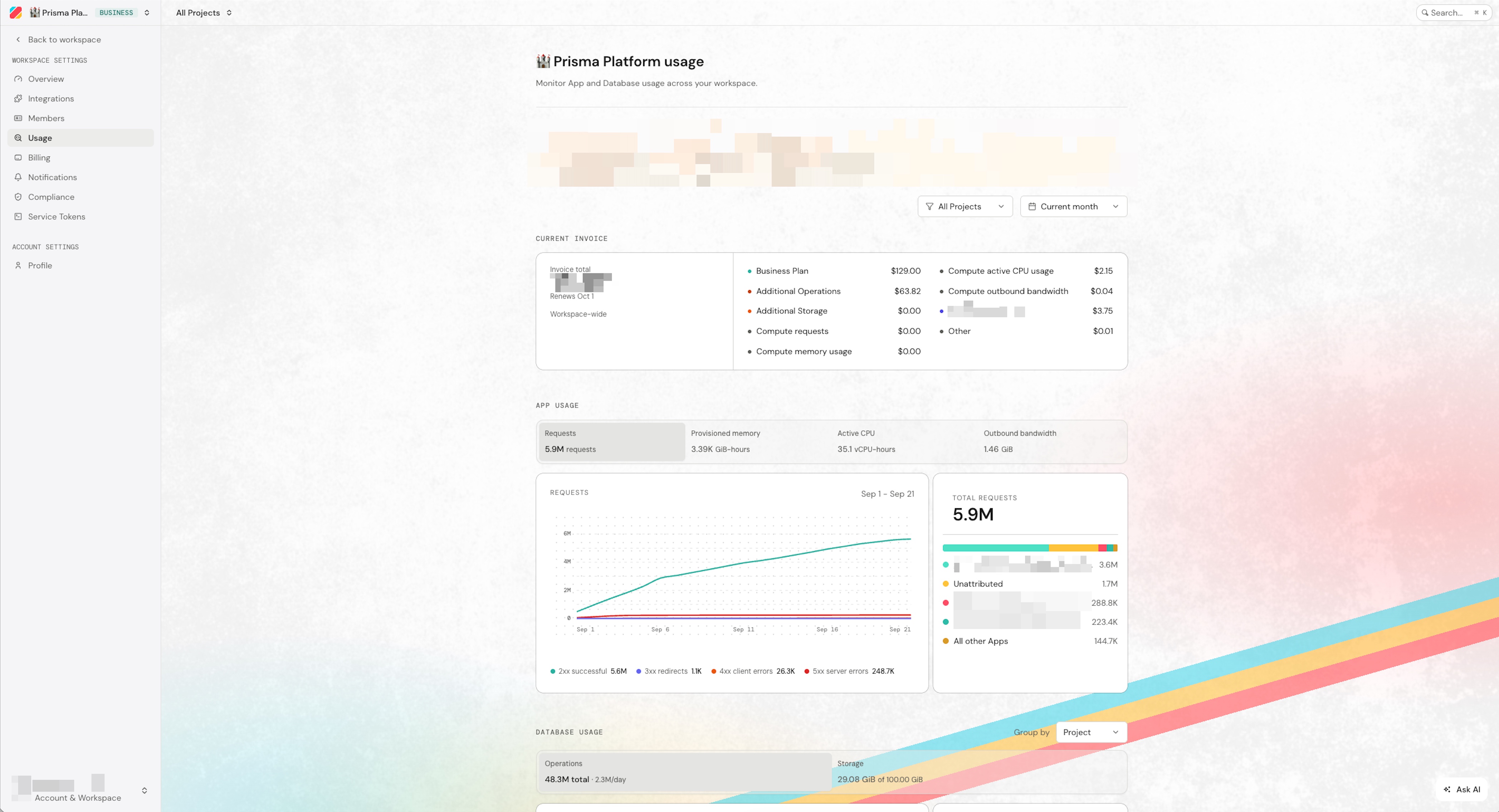
Yes. The Free plan costs $0, needs no credit card and includes 200,000 operations a month across up to 50 databases in a workspace. An operation is one query, read or write, and usage resets at the start of each calendar month. On the Free plan, idle databases cost nothing and you never wake one by hand: the next query does it. Backups and spend limits start on the Starter plan at $10 a month. The free Postgres hosting page lists everything the Free plan includes.
What happens when I reach the Free plan limit?
Your workspace's databases stop accepting queries until the allowance resets at the start of the next month, or until you upgrade, which usually restores access within a minute. If you need time to export your data first, you can lift the limit for 24 hours from the Console, once per workspace. Paid plans bill operations beyond the included amount at your plan's rate, with a spend limit that is on by default.
Can I create a database without signing up?
Yes. Run npx create-db and you get a Postgres database and its connection string in seconds, with no account and no credit card. Add --json when a coding agent needs machine-readable output. The database is deleted after 24 hours unless you claim it: open the claim link from the output and sign in, and it moves into your workspace under that plan's limits.
Can I manage my databases from Claude Code, Cursor or Codex?
Yes, through Prisma's hosted MCP server at [mcp.prisma.io/mcp](https://mcp.prisma.io/mcp), which you connect with your Prisma sign-in. In Claude Code, run claude mcp add --transport http prisma [mcp.prisma.io/mcp](https://mcp.prisma.io/mcp). Cursor adds it from its MCP settings or a one-click link, and Codex through the Prisma plugin. An agent can then create databases, inspect the schema, run SQL, apply schema changes and, on paid plans, restore a backup into a new database. For scripts, there is also a REST API that uses a workspace service token. To keep test writes away from customer data, see hosting a TypeScript test app with a separate database.
Where do I find my connection string?
In the Prisma Console: open your project, select Connect to your database, then Generate new connection string. You get two connection strings. Use the pooled one as DATABASE_URL for your app and serverless functions, and the direct one for migrations, Prisma Studio and pg_dump. SSL is required, so keep sslmode=require in the URL. npx create-db also prints a connection string. Once connected, the query-monitoring guide explains how to inspect slow SQL and existing indexes.
Does Prisma Postgres support pgvector?
Yes, on every plan, including Free. Enable it with CREATE EXTENSION IF NOT EXISTS vector; from any Postgres client or a migration, then store embeddings in vector columns and run similarity search with pgvector's distance operators. Prisma ORM works with vector columns through raw SQL or TypedSQL, and Prisma Studio can't open tables that contain them yet. See the full list of supported extensions.
Are backups included?
Yes, every paid plan includes daily automatic backups. Starter and Pro keep them for 7 days and Business keeps them for 30; the Free plan has none. You restore a backup from the database's Backups tab in the Console, or ask an agent to restore one into a new database through the MCP server. Point-in-time restore is coming in November 2026. To keep your own copy, run pg_dump against the direct connection string, on any plan with available usage.
Which regions can I choose?
Six: San Francisco (us-west-1), North Virginia (us-east-1), Paris (eu-west-3), Frankfurt (eu-central-1), Tokyo (ap-northeast-1) and Singapore (ap-southeast-1). You pick the region for each database when you create it in the Console, through MCP or with npx create-db --region. Without the flag, npx create-db picks the region closest to you. For deployed apps, see choosing app and database regions.
Is Prisma Postgres HIPAA compliant?
Yes, on the Business plan at $129 a month, with a signed Business Associate Agreement (BAA). HIPAA is not available on the Free, Starter or Pro plans. For comparison, Supabase only offers HIPAA from its Team plan at $599 a month, plus a paid HIPAA add-on. Business also includes SOC 2 Type II and ISO 27001, and GDPR applies on every plan, including Free. See HIPAA on the Business plan for the BAA and scope. Audit reports and control details are in the Prisma Trust Center.
Tool Specifications
Technical overview, pricing model, and ecosystem statistics for Prisma Postgres
Target Audience
Pricing Model
Ecosystem Builds
Category
Platforms
 CLI / Terminal
 API / Backend
 Cloud
 Plugin / Integration
Official Resources
Built by
The maker behind Prisma Postgres
Products Built With Prisma Postgres
Discover projects and applications using Prisma Postgres in production
No products submitted yet
Are you building with Prisma Postgres? Be the first to showcase your project to the community!
Related Tools in Developer Tools
Explore alternative and complementary developer tools in this category
Built something with Prisma Postgres?
Showcase your project on LaunchNests and get discovered by developers searching for tools in this stack.
Discussion & Comments
Questions, feedback, and insights from developers about Prisma Postgres
Sign in to comment
Connect with your Google account to join the discussion.